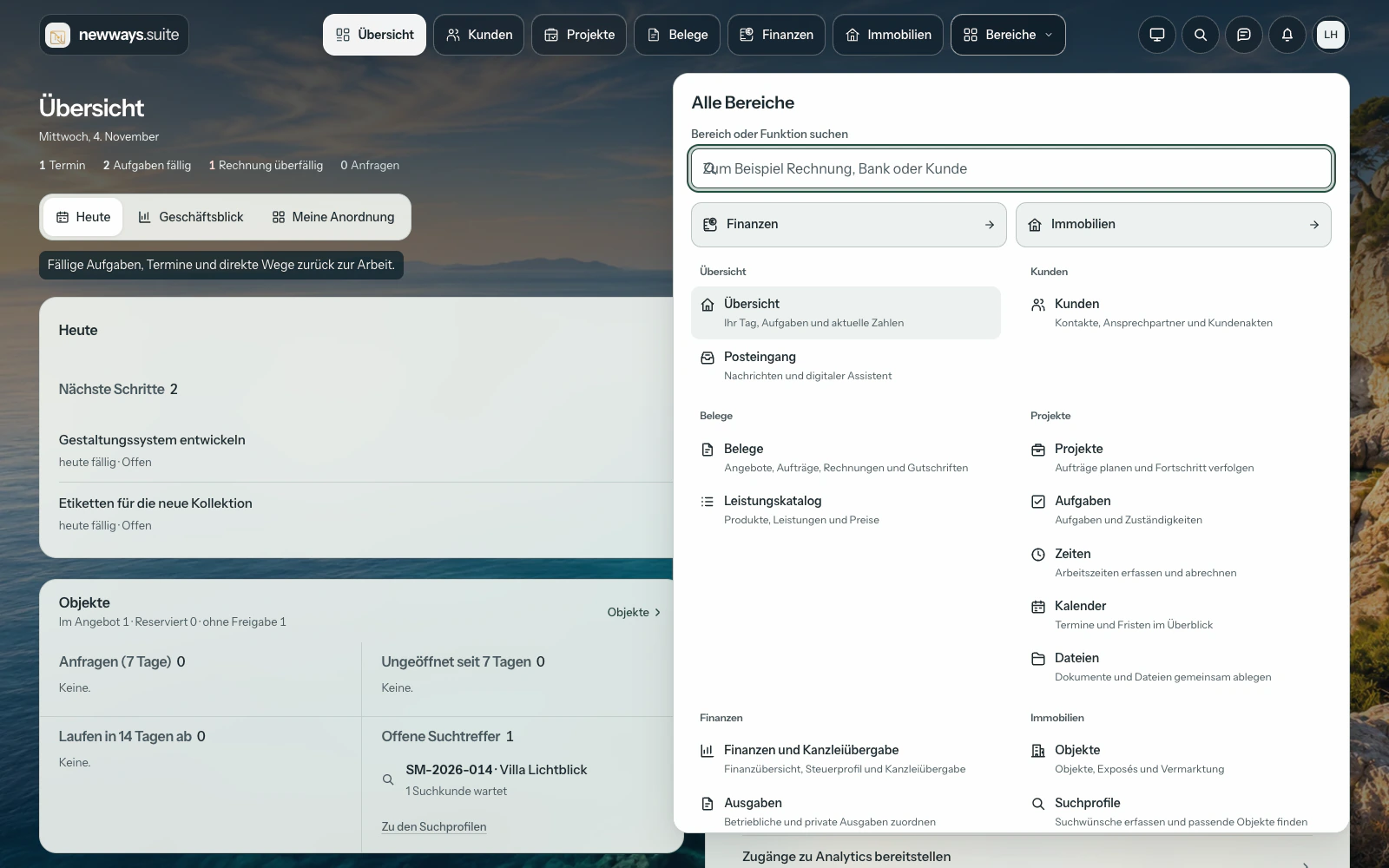
A direct route.
Clients, projects, documents and other areas stay in sight and within reach.
May we measure what works?
With your consent we load Google Analytics and Google Ads conversion measurement. That shows us how our pages are used, which advert brought you here and whether it led to an enquiry, a call or a message. Google sets cookies and receives data, including in the USA. Without your consent this site loads nothing from Google, and everything works as usual. Details

The new Horizont interface · Version 1.38.0
Clients, projects, quotes and invoices. One workspace that brings it all together — with digital assistants that think ahead.
Basis from €19 net per team user per month, billed monthly.
Basis from €9.50 net per team user per month for the first twelve paid months, then €19, billed monthly.
New online bookings by 31 December 2026 (mainland Spain time). Plans and terms ↘
Your contract starts when you book. The first 14 days are free; unless you cancel, your chosen paid plan continues afterwards. For businesses and self-employed professionals only, plus applicable VAT.
The Suite in 63 seconds
From the first idea to the next step. Discover the new Suite in the film.
The workplace scenes are generated cinematic sequences, not client references. They illustrate typical project work and do not show additional industry-specific features.
The offer in the film applies to new online bookings by 31 December 2026. Current plans and full terms
The film could not be loaded. Please use one of the direct links.
More on the Suite websiteNew: Horizont
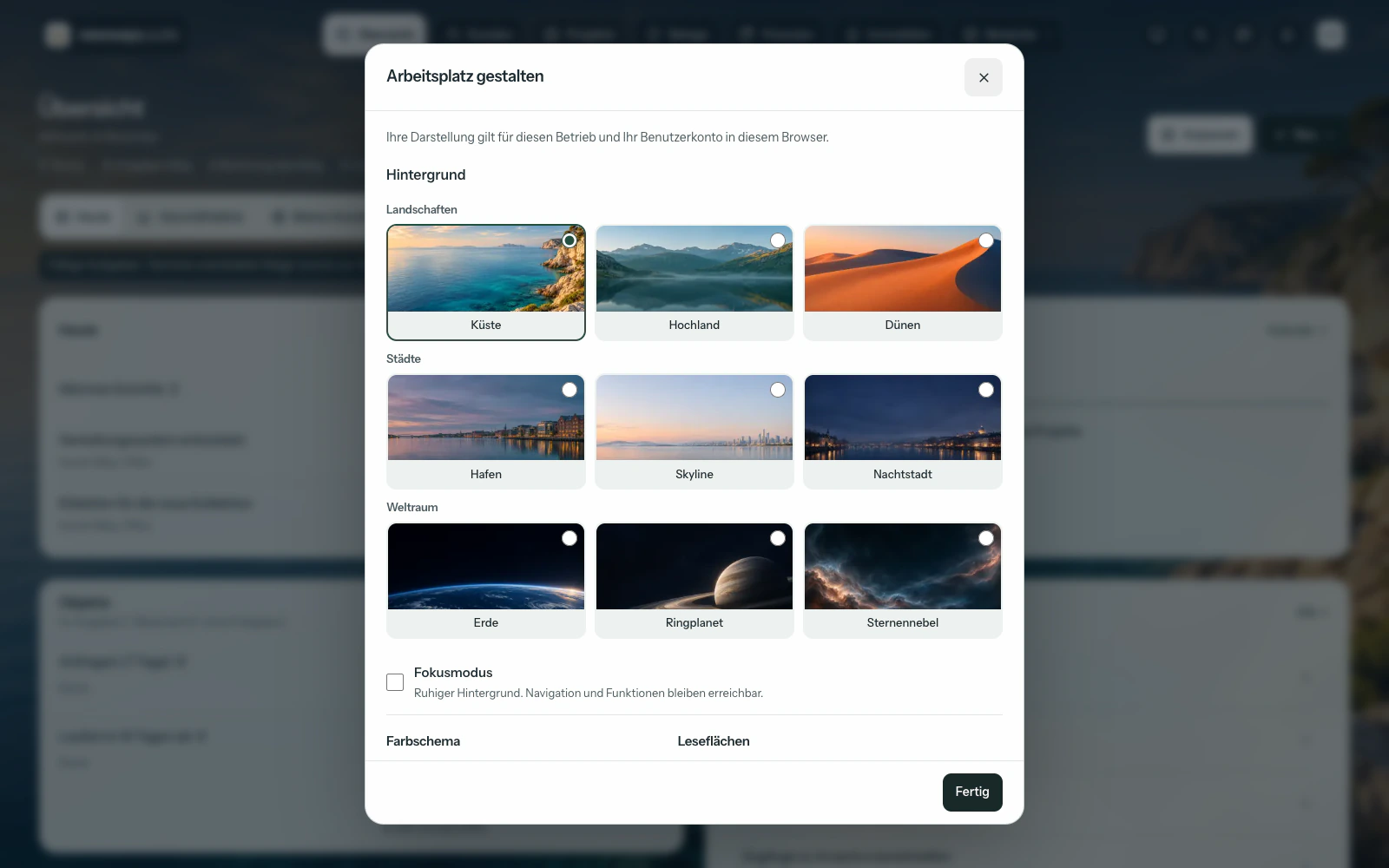
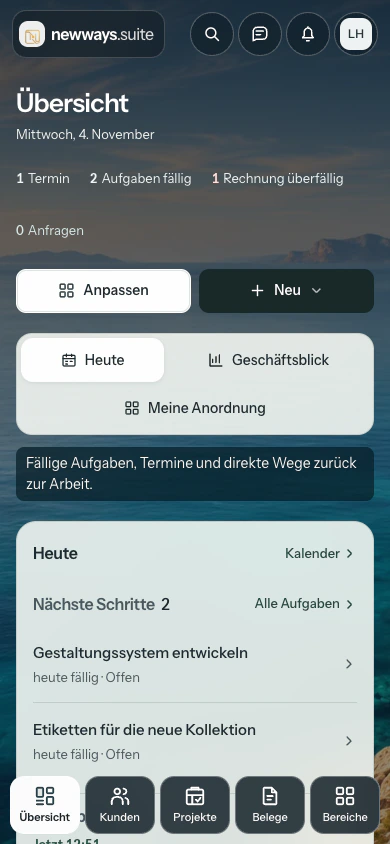
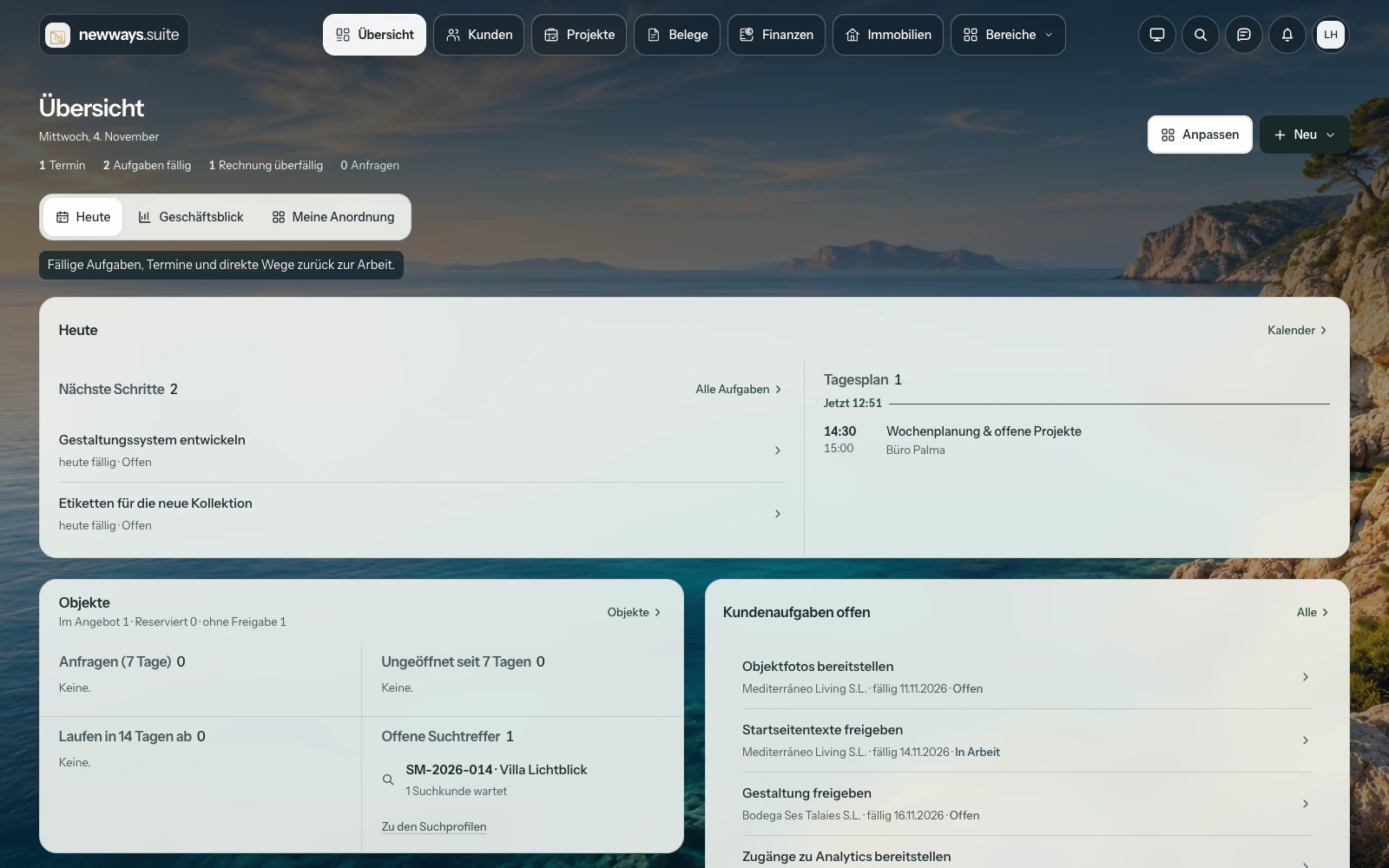
Floating, labelled glass navigation. Nine personal backgrounds. And the view you need right now.
Clients, projects, documents and other areas stay in sight and within reach.
“Today” shows your tasks and appointments. The business view brings together your key figures.
Coast, highlands, dunes, cities or space: choose your background. Focus mode keeps it calm.
Everyday collaboration
Collaborate in the client area. Plan within the project. Digital assistants support you wherever work needs doing.
Client area
Quotes, tasks and documents through a dedicated login, with your branding and the content you choose to share.
Client access is free. A custom domain is an additional service available with Pro.
View the client portal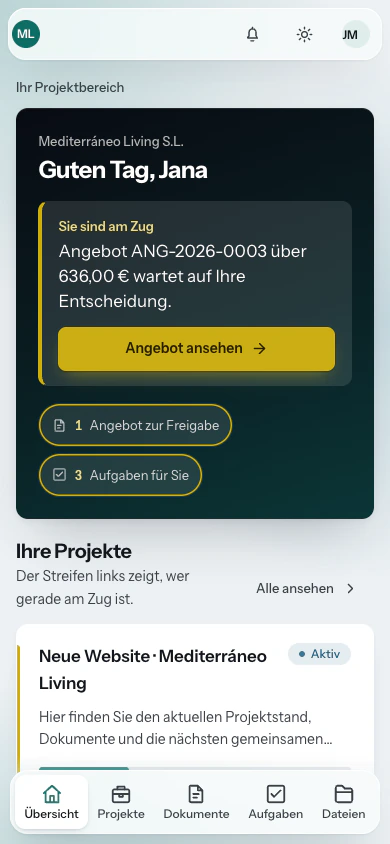
Project management
From the first task to invoicing, everything stays with the project. Everyone sees what comes next.
You decide which projects, phases and files your client can see.
View a project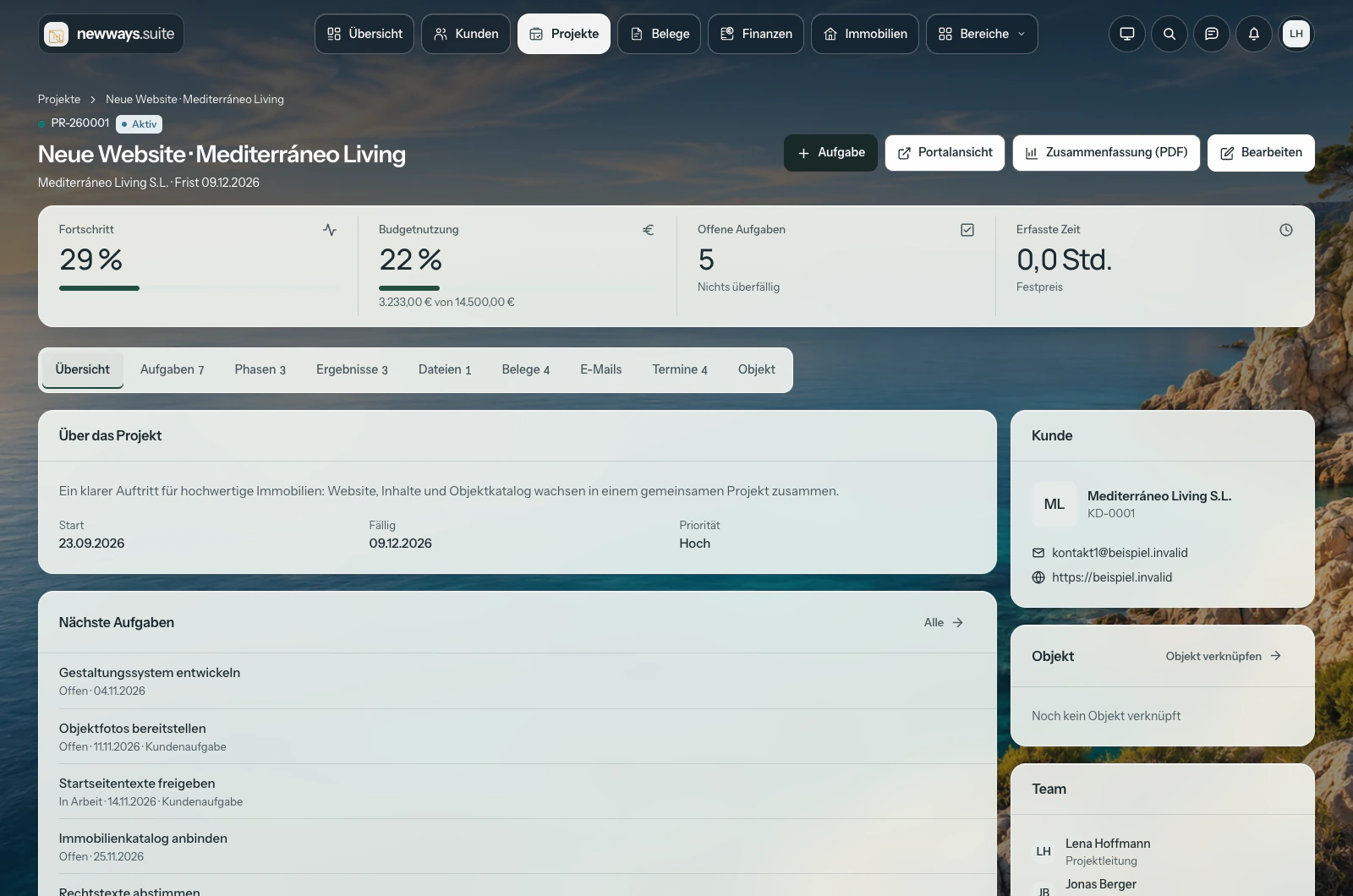
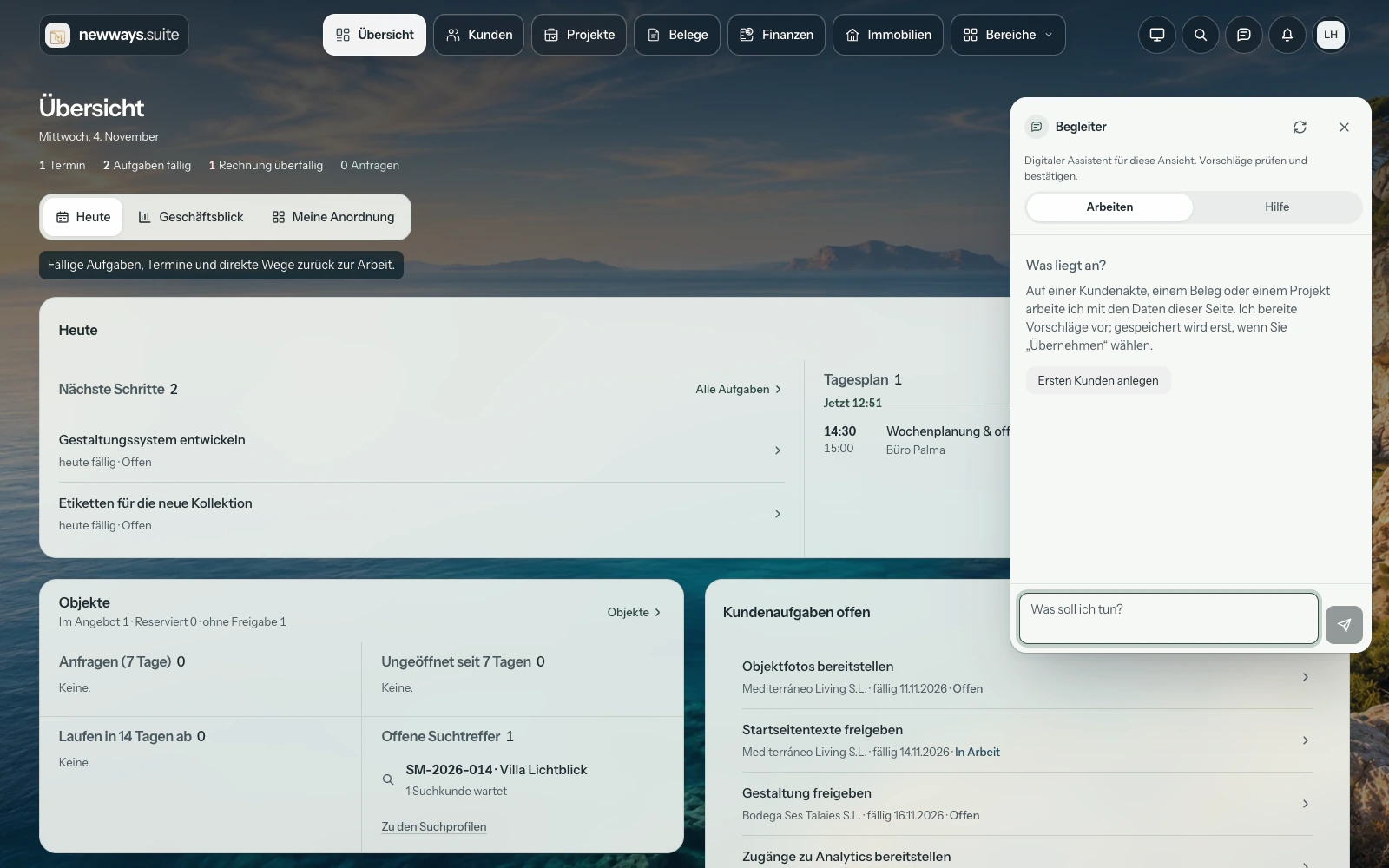
Digital assistants
Draft replies, prepare next steps and ask questions about the open record. Your assistants work with the right context.
You review and confirm suggested changes. Scope and availability depend on your plan and setup.
One job. One workflow.
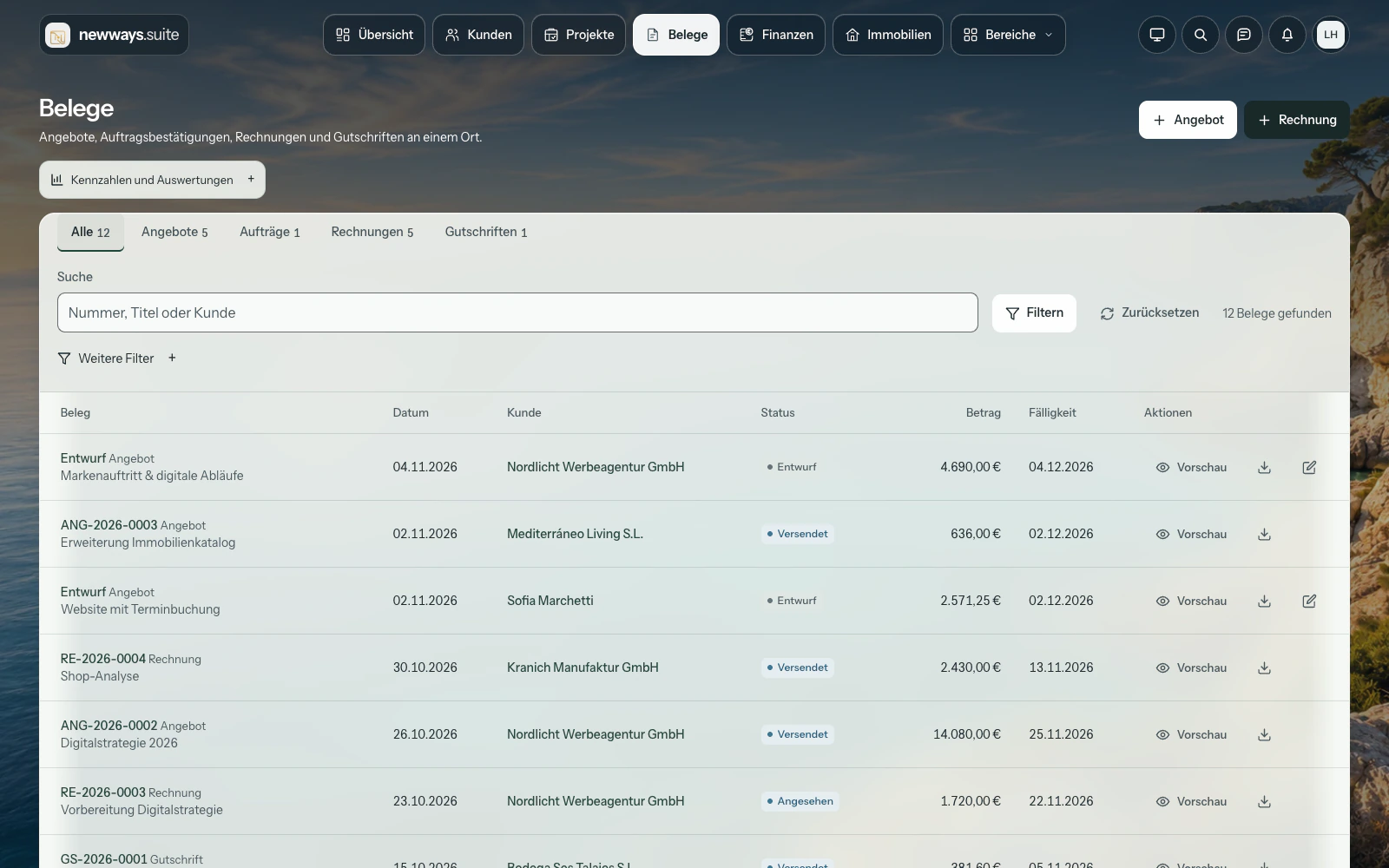
An example from agency life: you quote for a website project, your client approves it and your team delivers it. Services and recorded time form the basis of the invoice. Every step of the project remains traceable.
Client details are on the quote. Your client reviews it online and accepts with a signature. You see its status and when it was opened in the same place.
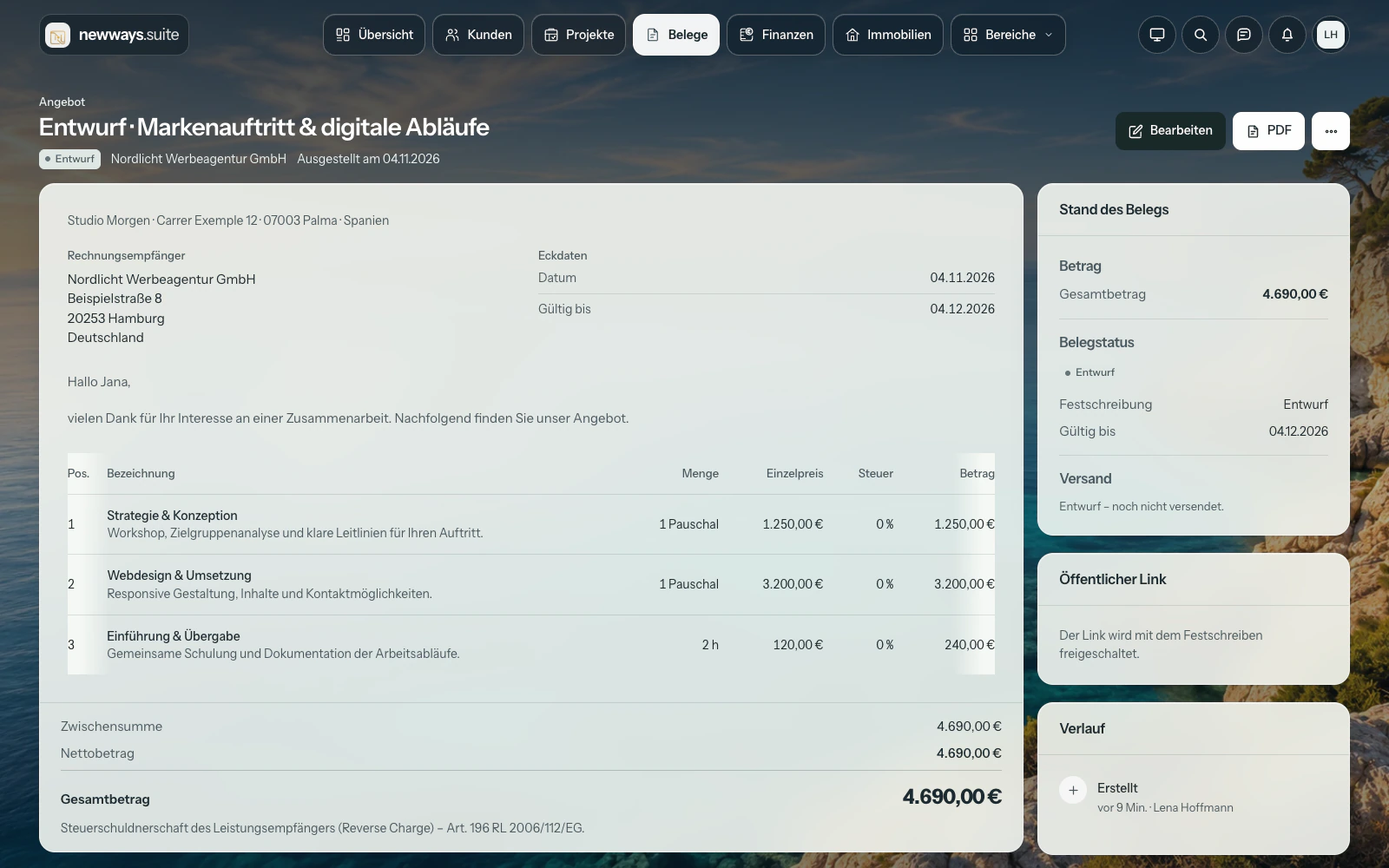
Real workflows. Straight from Suite.
Play the video or choose a step. The recording shows the German interface; explanations follow your page language.
See what is next. Find the right document. Review the quote.
Suite 1.38.0 · German interface · fictional demo data · no audio
The video could not load. Please use the direct link.
Clients. Documents. Finances.
Client information and next steps stay in one place.
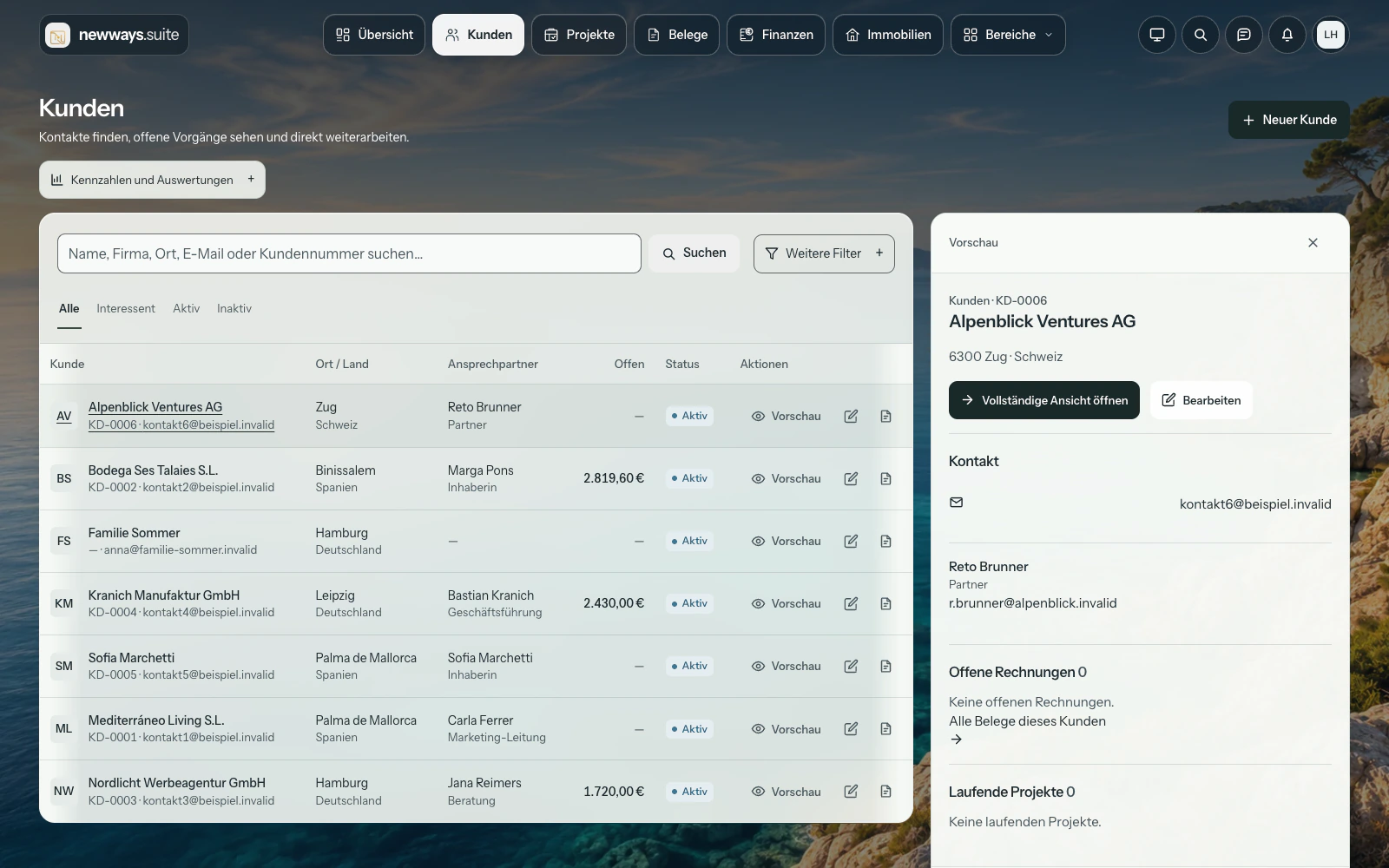
Import CSV or camt.053, review the preview and confirm matches. No automatic bank connection.
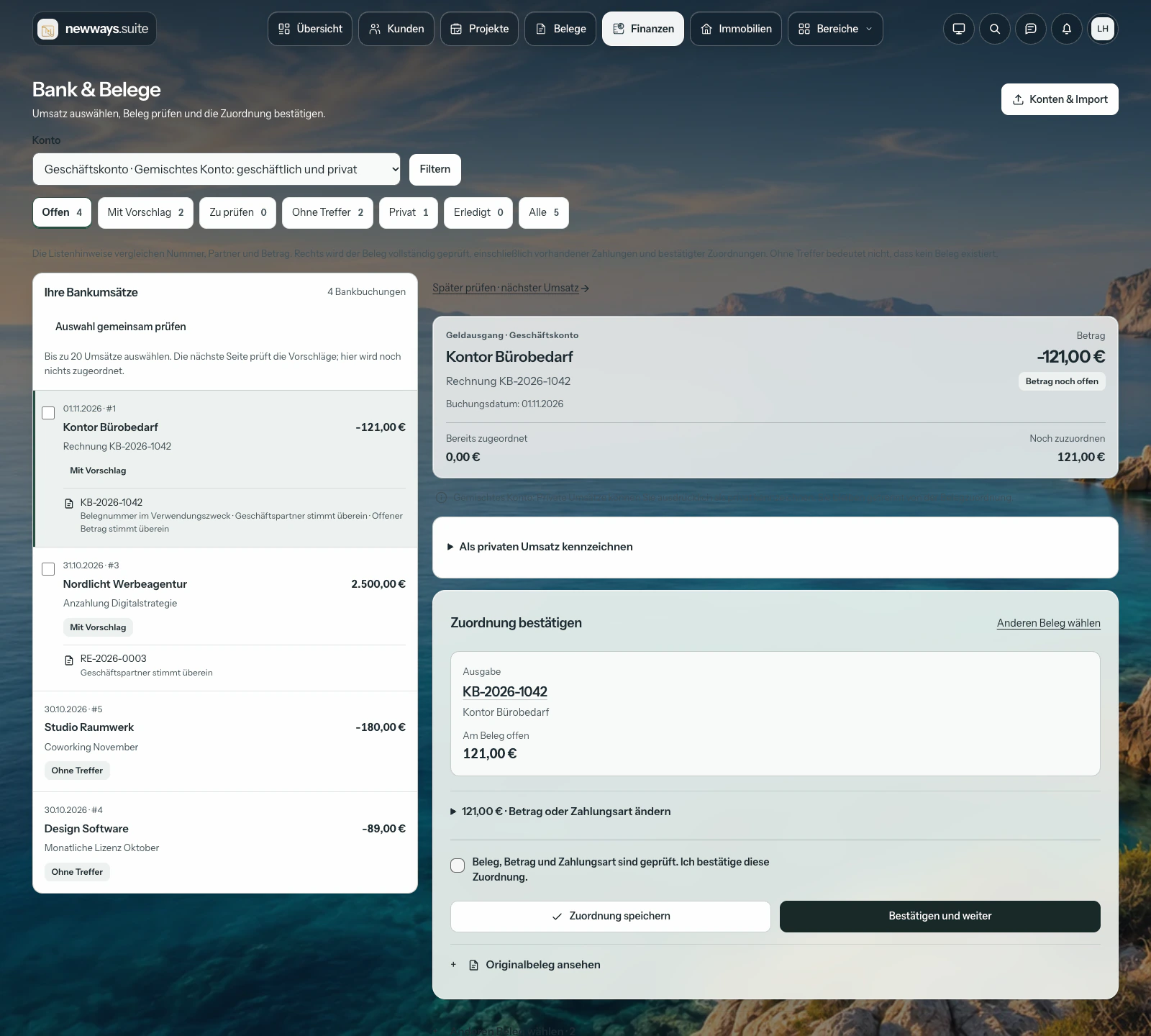
Review expenses, attach documents and follow their status.
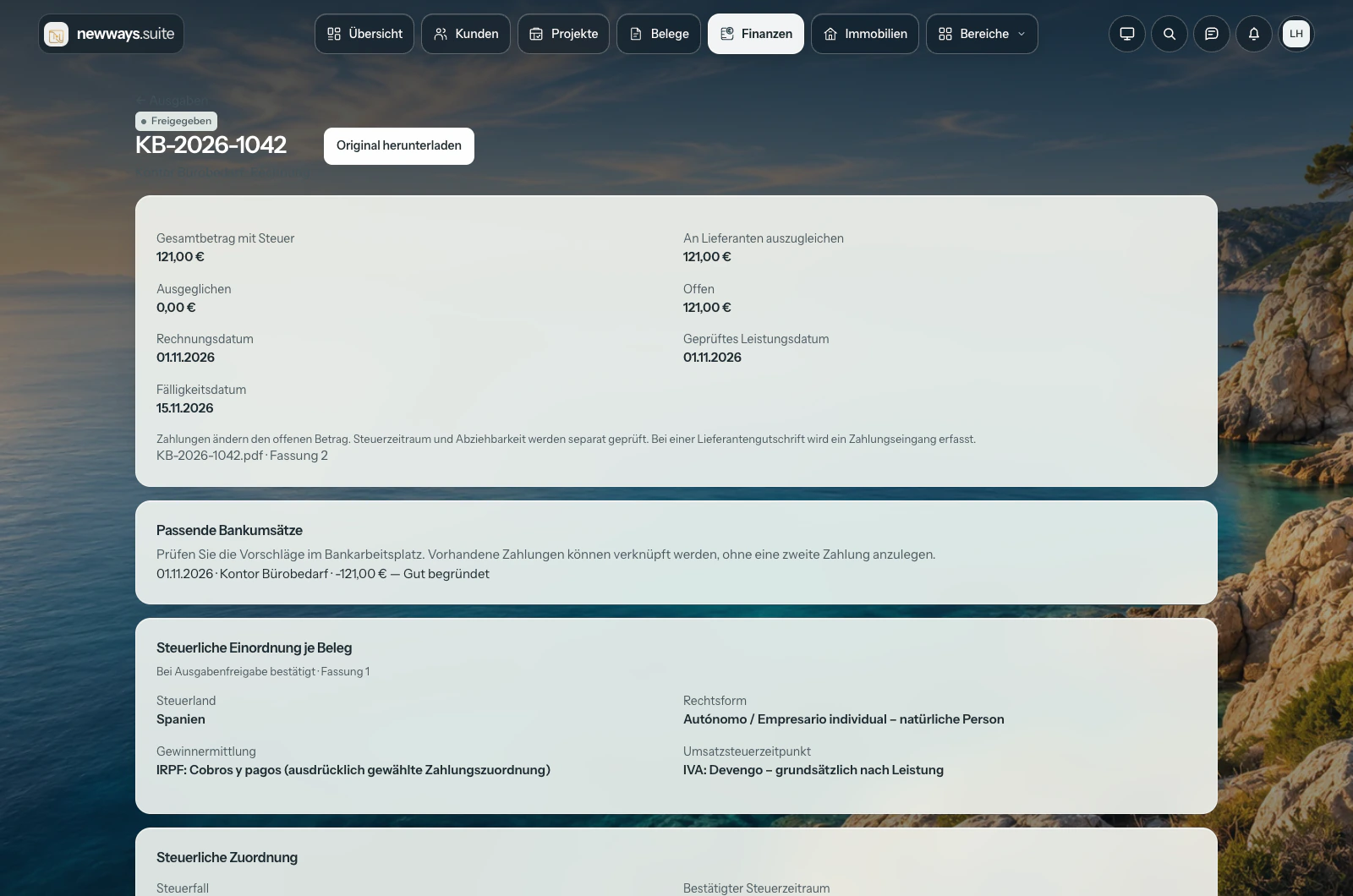
Prepare PDF, Excel or CSV. DATEV requires confirmed account assignments; agree the first import with your accountant.
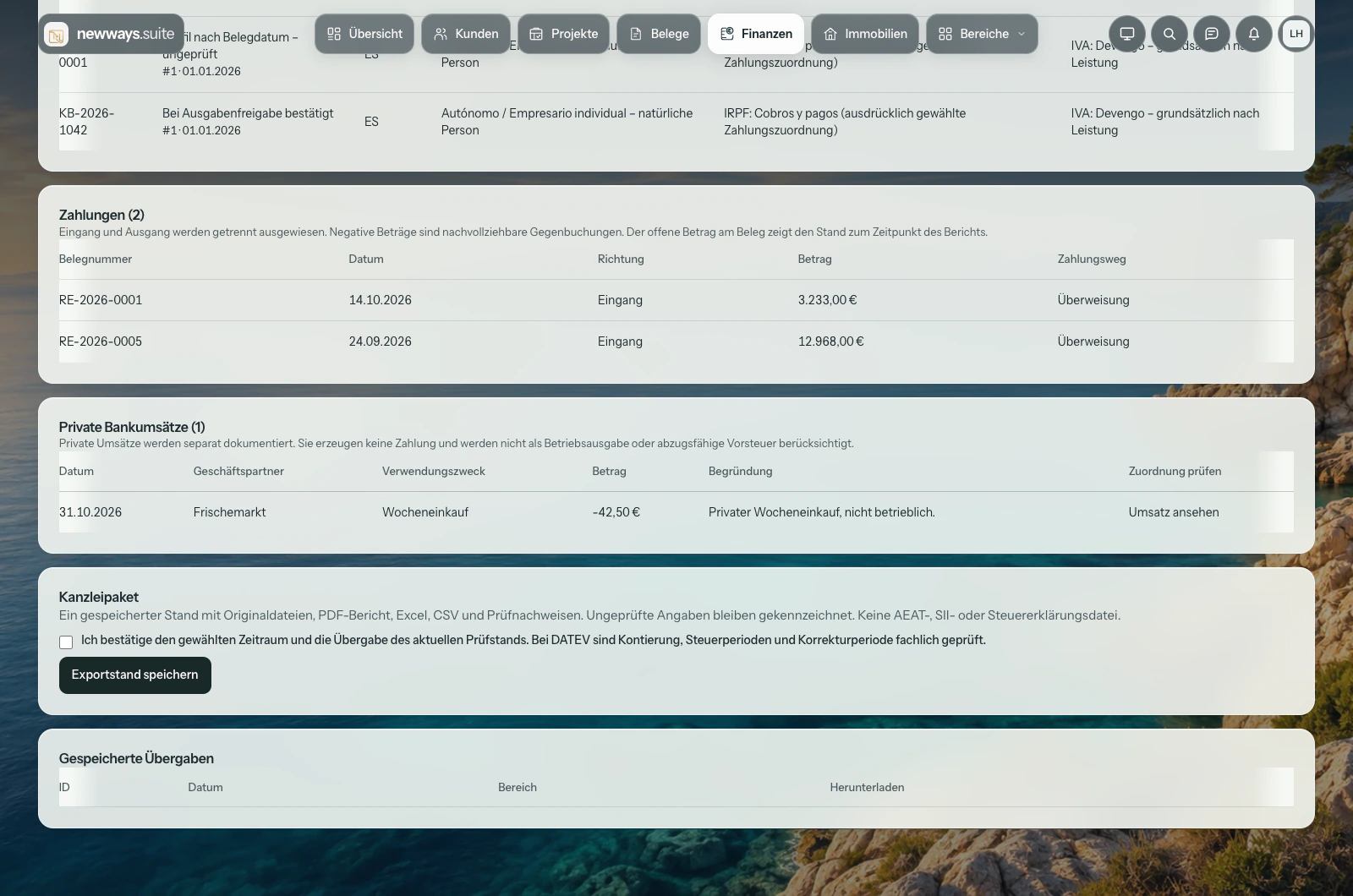
The images show a fictional Spanish business using the German interface. Language does not determine the tax profile: Germany supports e-invoicing and DATEV subject to requirements; Spain uses PDF and configured VeriFactu, without requiring ZUGFeRD.
VeriFactu requires the issuer’s NIF, a valid certificate, configured submission and an approved signed manufacturer declaration for the version in use. Suite does not replace tax advice or submit tax returns.
For estate agents too
Property records, HTML and PDF brochures, search profiles and prospective clients are all included. Activate the property module when you need it — at no extra cost.
Explore the estate agent software Further details in GermanCompare criteria. Understand the suggestion. Present the right property.
Suite 1.38.0 · German interface · fictional demo data · no audio
The video could not load. Please use the direct link.
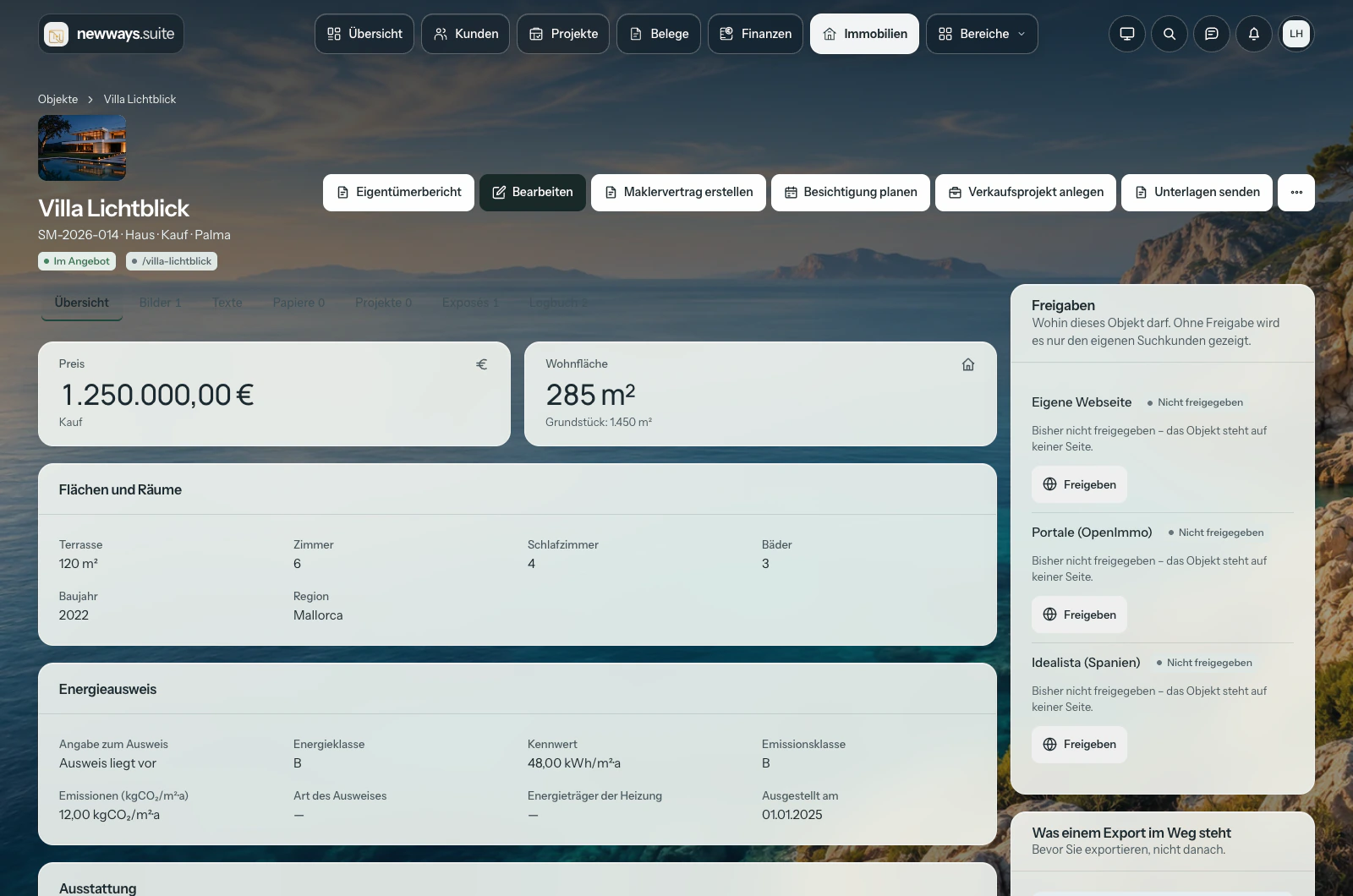
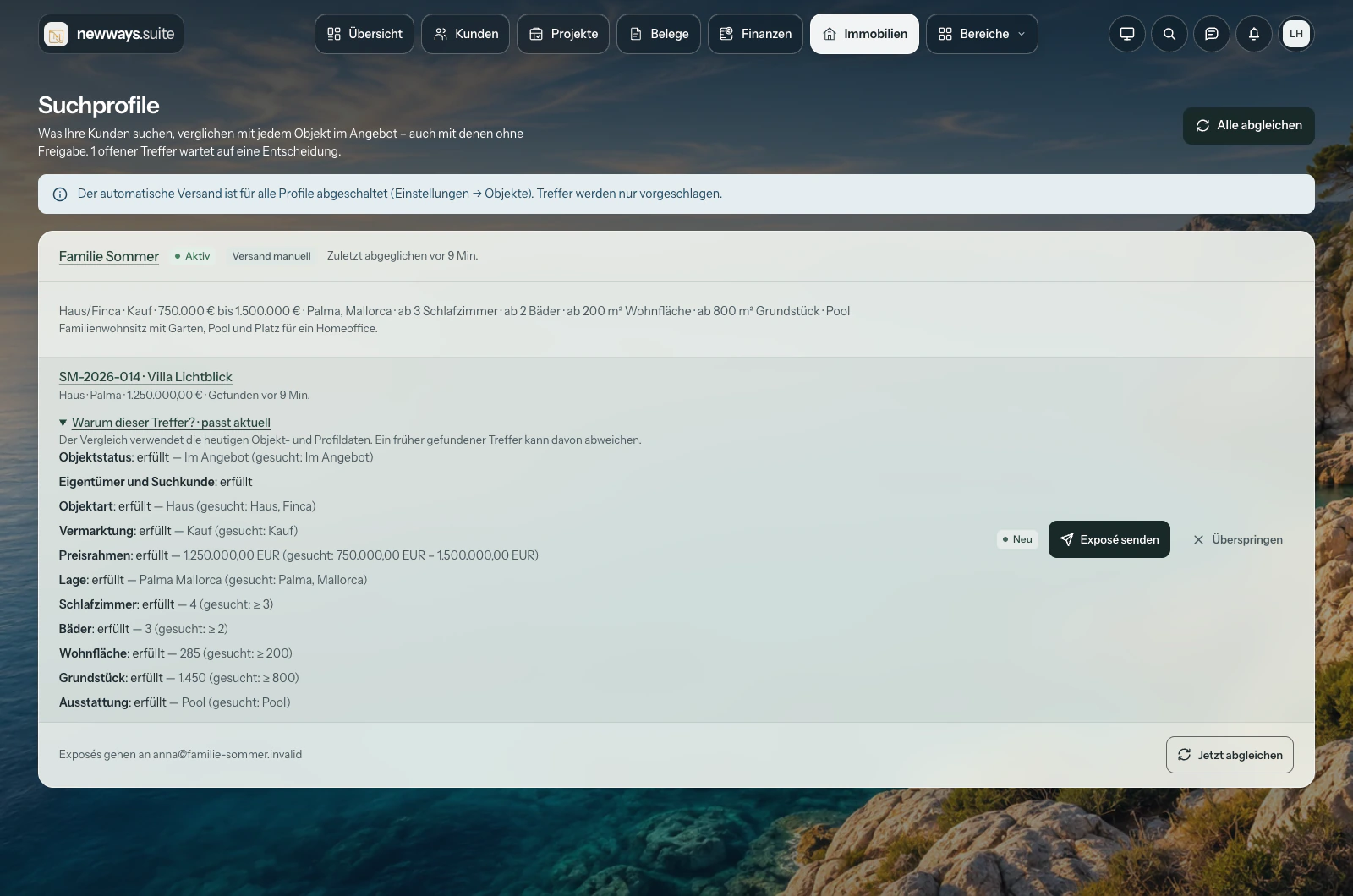
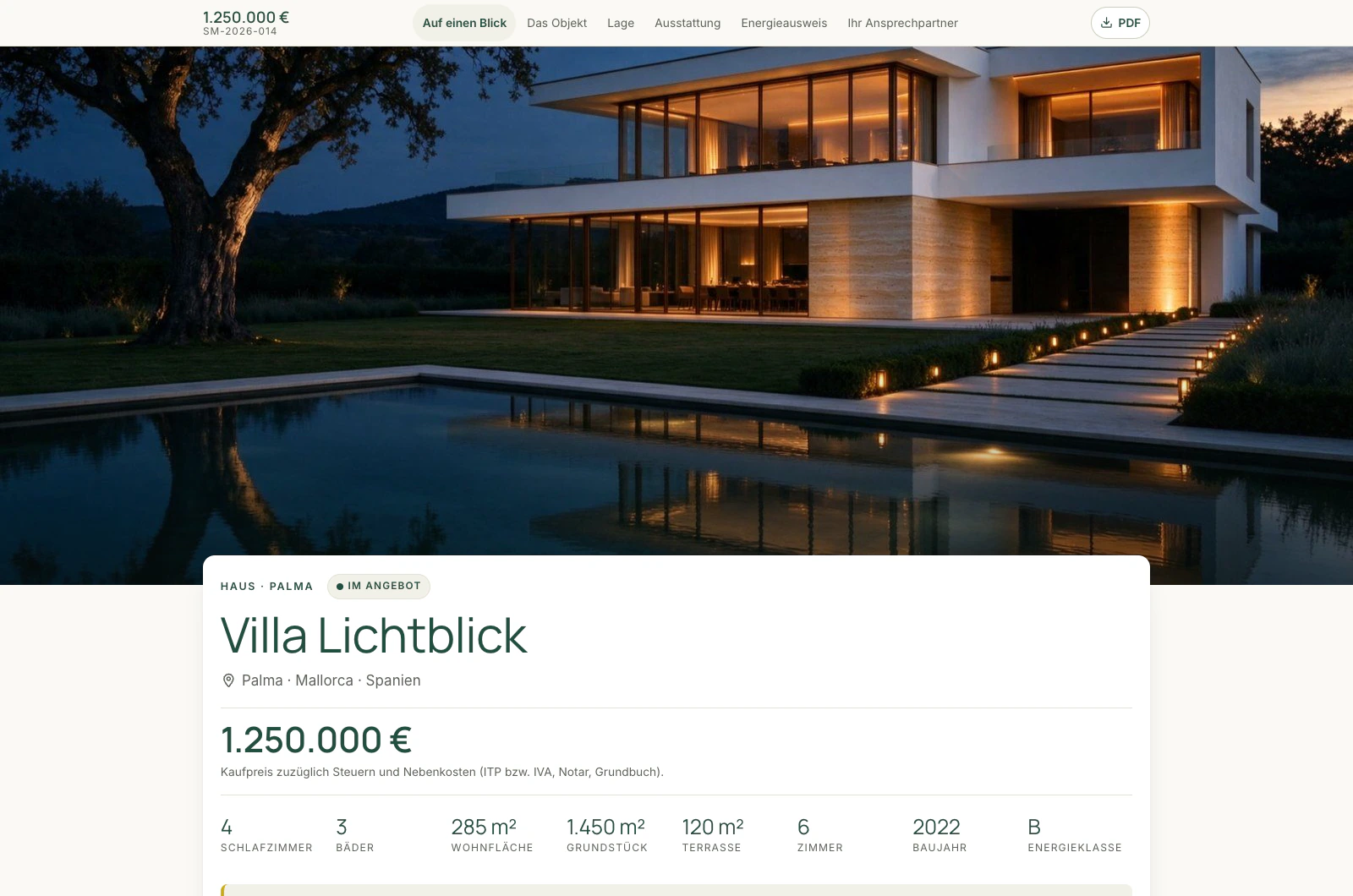
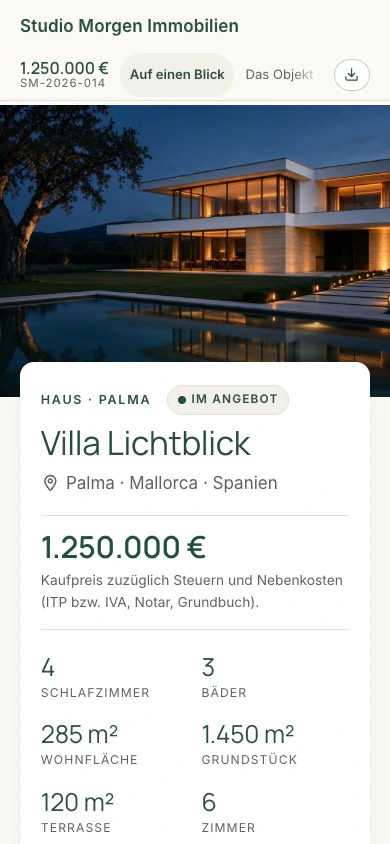
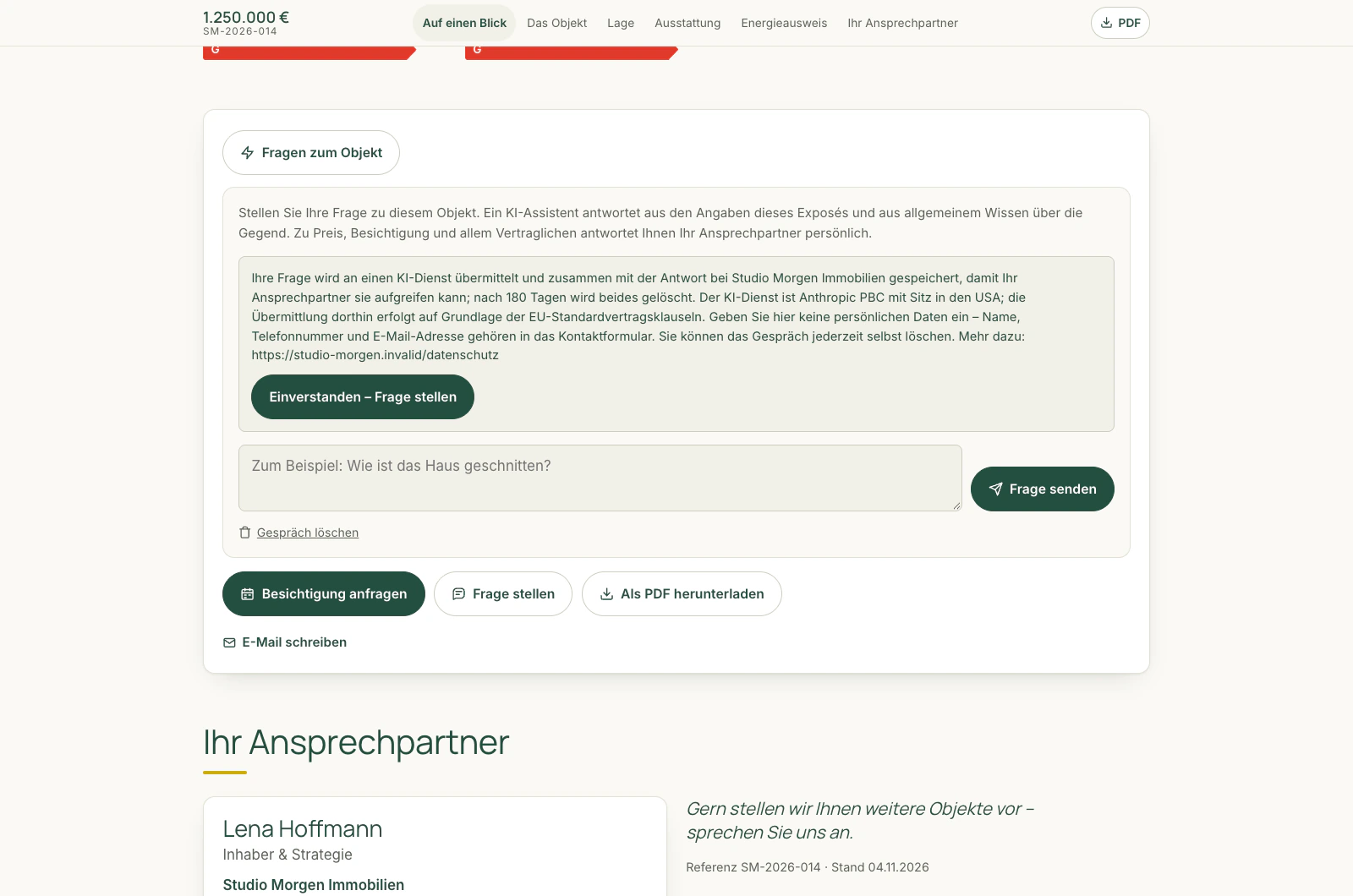
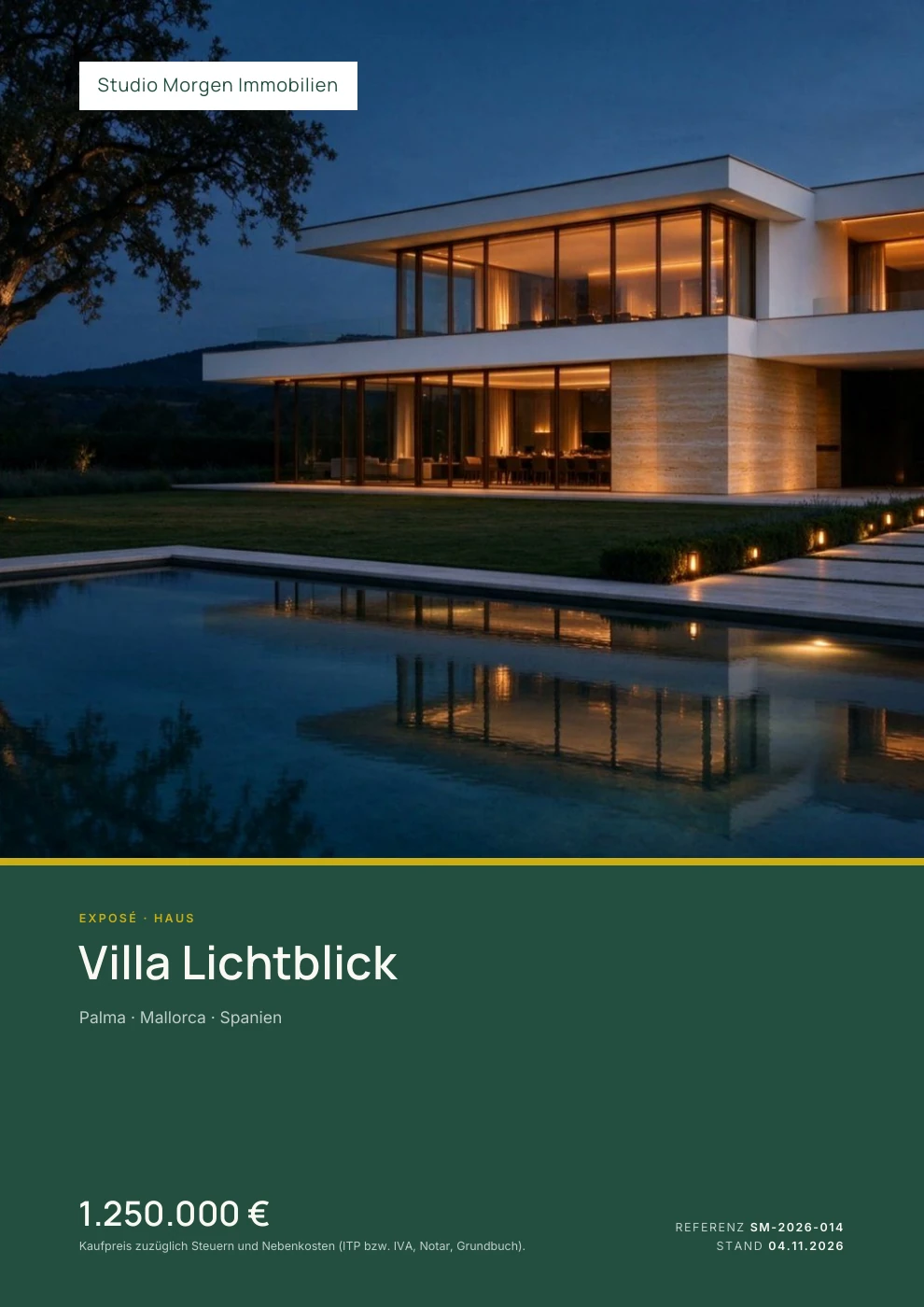
Suite 1.38.0 · German interface · fictional demo data
Approved properties can be sent to compatible portals via OpenImmo XML. External portals may require separate contracts, accounts and setup. The optional property advisor helps prospective clients within the property brochure.
The SENYA integration is planned and not yet available.
Plans and pricing
Every plan includes all core functions. Choose by capacity and additional services, from 1 to 25 users.
Offer for new bookings until 31 December 2026
For Basis, Plus and Pro. The 14-day free trial comes before the offer period. After the twelve discounted months, the regular follow-on prices shown below apply.
Book by 31 December 2026, 23:59 (Europe/Madrid). This is not a permanent discount. It cannot be combined with the annual discount. Individual offers and additional services are excluded.
One user per member of staff, each additional one at the same price of the plan. Your clients’ access to the client area is free and does not count.
Up to 25 users per plan. More than 25 users? Send an enquiry.
Allowances apply per plan, not per user. Choose your billing period when you book.
The starting point: every core function, one mailbox
Regular€19per user per month
plus VAT
For 1 userusers: €19 net per monthNumber of users: 1. €9.50 net per month for the first twelve paid months. Then €19 net per month for the same number of users.
With annual payment, €190 net per year — equivalent to €15.83 per monthNumber of users: 1. €114 net for the first paid year. Then €190 net per year for the same number of users. No additional free months in the offer year.
Book BasisStart Basis with 50% off
14 days free, followed by the paid period. For new bookings until 31 December 2026 (Europe/Madrid).
More room: several mailboxes, larger allowances
Regular€29per user per month
plus VAT
For 1 userusers: €29 net per monthNumber of users: 1. €14.50 net per month for the first twelve paid months. Then €29 net per month for the same number of users.
With annual payment, €290 net per year — equivalent to €24.17 per monthNumber of users: 1. €174 net for the first paid year. Then €290 net per year for the same number of users. No additional free months in the offer year.
Book PlusStart Plus with 50% off
14 days free, followed by the paid period. For new bookings until 31 December 2026 (Europe/Madrid).
Everything in Basis, and also:
The full package: priority support, unlimited clients. A custom domain is available as an additional service.
Regular€39per user per month
plus VAT
For 1 userusers: €39 net per monthNumber of users: 1. €19.50 net per month for the first twelve paid months. Then €39 net per month for the same number of users.
With annual payment, €390 net per year — equivalent to €32.50 per monthNumber of users: 1. €234 net for the first paid year. Then €390 net per year for the same number of users. No additional free months in the offer year.
Book ProStart Pro with 50% off
14 days free, followed by the paid period. For new bookings until 31 December 2026 (Europe/Madrid).
Everything in Plus, and also:
Every plan includes the core functions; the differences lie in scope and additional services.
Then you receive a personal offer instead of booking online, including for special requirements. Simply send an enquiry or write to mlo@newways.consulting.
| Scope | Basis | Plus | Pro |
|---|---|---|---|
| Users | 1–25 | 1–25 | 1–25 |
| Clients | 100 | 500 | unlimited |
| Projects | 50 | 250 | unlimited |
| Documents per year | 600 | 3,000 | unlimited |
| Mailboxes | 1 | 3 | 10 |
| Storage | 3 GB | 20 GB | 100 GB |
| Assistant, requests per month | 300 | 1,500 | 5,000 |
| Voice, requests per month | 200 | 1,000 | 3,000 |
More than 25 users: on request, with limits by agreement.
Allowances apply per plan, not per user. When a limit is reached, you can no longer create new items of that type; existing items remain fully visible. The assistant request limit applies only to the included access. It does not apply if you use your own key from the digital assistant provider.
Start well. Stay in control.
After booking, your access link arrives by email. The setup guide takes you through your business, appearance and billing.
Import clients and contacts by CSV, with a preview before data is saved.
Create your first quote and set up a project. Export your data at any time, in every plan.
Our earlier films remain part of the story. Software footage in these films shows previous product versions. Playback starts only on click.
Before your first click
We can help you see how the Suite fits your workflow.
mlo@newways.consultingFor new bookings of Basis, Plus or Pro up to and including 31 December 2026 (Europe/Madrid). After the 14-day free trial, you receive 50% off the first twelve paid months: Basis €9.50, Plus €14.50, Pro €19.50 net per user per month with monthly payment. The prices then become €19, €29 or €39 net per user per month respectively. From 1 January 2027, regular prices apply to new bookings. Individual offers and additional services are excluded.
The first paid year costs €114 net per user for Basis, €174 for Plus or €234 for Pro. This is twelve monthly amounts at half the regular price. The annual discount is not deducted on top. From the second paid year, the regular annual prices of €190, €290 or €390 net per user apply respectively. Existing contract and cancellation terms remain unchanged.
For everyone who works on projects: from self-employed professionals and agencies to architecture practices, catering companies and service businesses. Clients, quotes, tasks, time and invoices stay connected. These are shared project workflows, not additional industry-specific modules. Activate the property module if you need it.
No. Marco Lohmann personally guides you through the application using sample data. You do not need a Suite login or a data import, and you do not take out a Suite subscription. We arrange a time by email after receiving your request.
The personal demo is free of charge and does not start a subscription. If you would like to try the Suite yourself with your own data, you sign up for a plan. This starts the contract: the first 14 days are free; after that, you are charged for your chosen plan unless you cancel beforehand.
Your contract starts when you book. The first 14 days are free; your chosen plan continues after that unless you cancel beforehand. No payment details at booking. You receive an email reminder three days before the end.
Booking is intended for businesses and self-employed professionals. Providing a VAT ID is optional; you can book without one.
Client access is free in every plan. You pay for each team member using the internal workspace. Allowances apply to the whole plan, not per user.
In your account under “My contract” or by email. Within the first 14 days, the contract ends without an invoice. After that: monthly plans end at the end of the billing period; annual plans end at the end of the annual period with 30 days’ notice.
The Suite runs on servers in Germany. You can export your data at any time, including for 30 days after your contract ends. When used, assistant and voice features send content to their respective providers. See the list of subprocessors for details.
15 minutes for your day-to-day work
Marco Lohmann shows you a typical client project: from the quote through project work to the invoice. You see the real application with sample data and can ask your questions.
How do you organise quotes, projects and billing today?
A guided walkthrough of the quote, project and invoice, focusing on the steps that matter to you.
We explore whether the Suite is a good fit and how you could get started with your first client project.

Owner of newways.consulting. The Suite grew out of our own project work.
Free & without obligation
Leave your name and email address. Marco will then contact you personally to arrange a time.
No Suite account, no data import, no subscription. Your request does not yet confirm an appointment.
Prefer to email us directly? mlo@newways.consulting
Your next job can start here
Your contract starts when you book. Paid subscription after 14 days unless you cancel. The personal demo is free and creates no subscription.